

Star Wars Jedi Survivor just got a nice little graphics boost as part of an update that dropped today. Considered one of the best Star Wars games of all time but marred by graphical and performance issues, Respawn’s latest game has seen plenty of post-launch support.
The newest PS5 Pro system update introduces an improved version of the console’s upscaling technology PSSR. Given that Jedi Survivor had already been enhanced for PS5 Pro and uses PSSR, the game will now look even better on the platform.
PlayStation announced a new system firmware that would introduce the improved PSSR earlier this month. The update began rolling out on Tuesday morning and players have been diving into games that were previously updated to be PS5 Pro Enhanced to see what difference there is compared to the original PSSR version.
Details Matter
According to gamers who have tested Jedi Survivor on the latest PS5 Pro firmware, the game looks better in a few areas. Upon playing the game, you will notice there is a lot less shimmering and artifacting especially when moving in foliage-rich areas. The smeared image of PSSR 1.0 is largely gone thanks to a cleaned up look especially in the distance. Even though testing has been limited by fans, the general consensus so far is the game is much better to look at now.
Whilst some games such as Resident Evil 7 have received game-specific patches tailored to the game with PSSR improvements, every game that’s already using the original version of PSSR all benefit from the technologies base improvements.
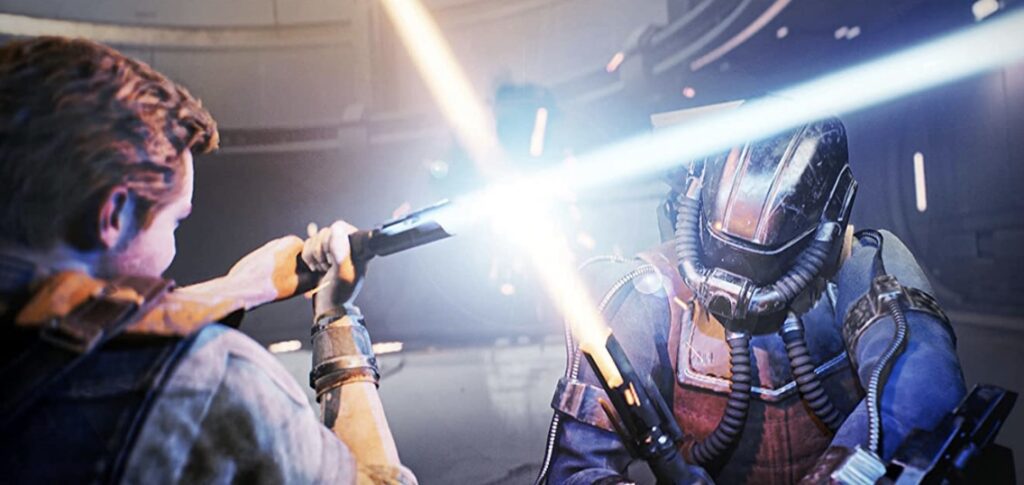
It is currently unknown if Respawn will go back and patch Jedi Survivor with tuned improvements. They are deep into the development of Star Wars Jedi 3 but they did publish a PS5 Pro specific bug fixing patch over a year ago so who knows.
For those unaware, the PS5 Pro runs Jedi Survivor at in Performance Mode with a solid 60FPS, higher resolution than 1080p plus ray traced for reflections and ambient occlusion. There’s also a Quality Mode which is closer to native 4K at 30FPS.
How To Enable PSSR 2.0
If you’d like to enable this new iteration of PSSR four games like Jedi Survivor here’s how to do it.
- Make sure PS5 Pro is running the latest system software
- Go to Settings
- Go to Screen and Video
- Go to Video Output
- Go to Enhance PSSR Image Quality
- Ensure Enhance PSSR Image Quality is toggled ON
In other recent Jedi survivor news, a fix was found for one of the games longstanding issues. Learn more here.
For all of the latest Star Wars news, stay tuned to Bespin Bulletin. If you like our work, please consider supporting us on Patreon for ad-free articles.
